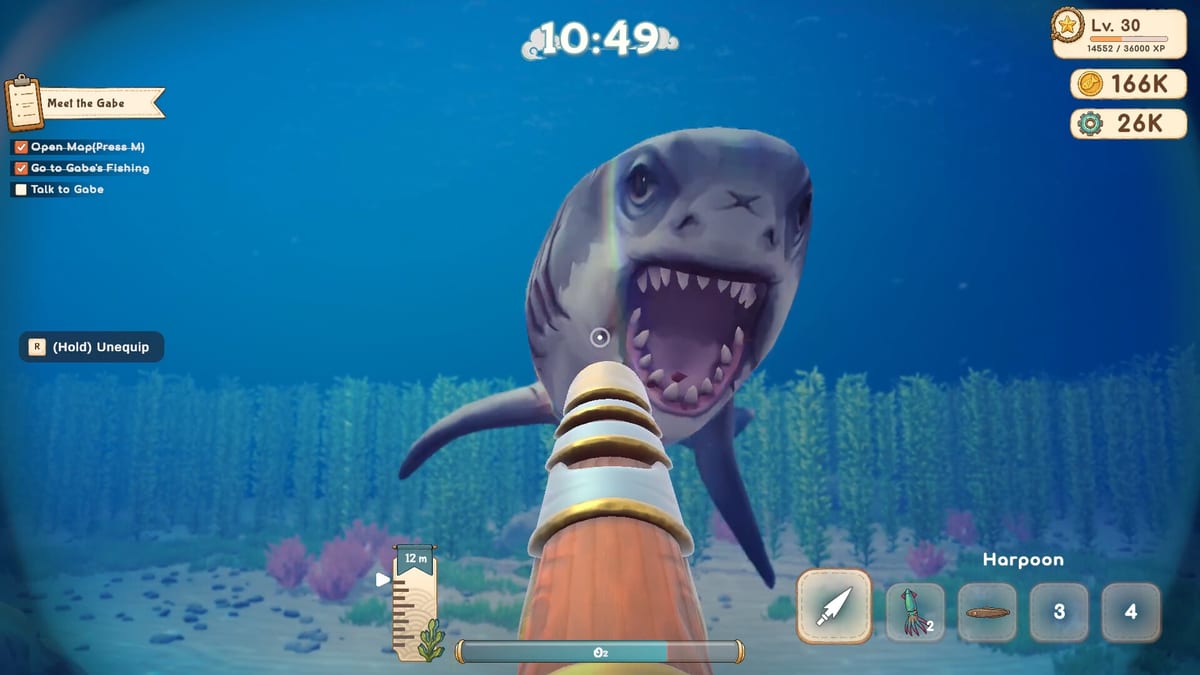
Deep Blue Sushi Known Issues & Fixes
Track known bugs and find workarounds for common problems.
Deep Blue Sushi is in Early Access, which means some bugs and issues are expected. This page tracks known issues and provides workarounds where available. The developers at PaperPixel Games actively monitor bug reports and release fixes regularly. Understanding common issues and their solutions can help you have a smoother gameplay experience while the game continues to be improved.
Current Known Issues
Performance Issues
Some players may experience frame rate drops in busy restaurant scenes with many customers. This is being actively optimized by the development team. Try lowering graphics settings if you experience performance issues, particularly during peak service hours when the restaurant is full of customers. The developers are working on optimizing the rendering pipeline to improve performance across all hardware configurations.
Multiplayer Connectivity
Occasional disconnections may occur during co-op sessions, especially with unstable internet connections. The developers are working on improving multiplayer stability and have identified several causes of disconnections. If you experience frequent disconnects, try hosting with a wired connection and ensure all players have stable internet connections. The development team is implementing better reconnection handling and network synchronization improvements.
Animation Glitches
Some character animations may not play correctly in certain situations. These are cosmetic issues that do not affect gameplay and will be addressed in future updates. The animation team is reviewing all character animations and fixing any issues that cause visual glitches during gameplay.
UI Scaling
On some display configurations, UI elements may not scale properly. This is being investigated and will be fixed in an upcoming patch. The developers are working on improving the UI scaling system to support a wider range of display resolutions and aspect ratios.
Audio Issues
Some players have reported audio glitches or missing sound effects during gameplay. The audio team is investigating these issues and working on fixes. If you experience audio problems, try restarting the game or verifying your game files through Steam.
How to Report Bugs
If you encounter a bug not listed here, please report it through:
- Steam Discussions: Post in the Deep Blue Sushi community hub with details about the issue. Include steps to reproduce the bug and your system specifications.
- Discord Server: Join the official Discord for real-time developer communication and to connect with other players who may have experienced similar issues.
- In-Game Tool: Use the built-in bug report tool for technical issues during gameplay. This tool automatically captures relevant system information that helps developers diagnose the problem.
When reporting a bug, include:
- What you were doing when the bug occurred
- Your system specifications (CPU, GPU, RAM)
- Steps to reproduce the issue
- Screenshots or video if possible
- Any error messages that appeared
Workarounds
Game Won’t Launch
- Verify game files through Steam to ensure all files are intact
- Update your graphics drivers to the latest version
- Run the game as administrator to ensure proper permissions
- Disable any overlay software that may interfere with the game
- Check that your system meets the minimum requirements
Crashes During Gameplay
- Lower graphics settings to reduce system load
- Close background applications to free up system resources
- Ensure you have enough free disk space (at least 12 GB)
- Check for Windows updates and install any pending updates
- Try running the game in windowed mode if fullscreen causes issues
Multiplayer Issues
- Check your internet connection and ensure it is stable
- Try hosting with a wired connection instead of WiFi
- Restart the game and Steam to clear any temporary issues
- Verify all players have the same game version
- Check your firewall settings to ensure the game can communicate online
Save Data Issues
- Back up your save files regularly
- If save data is corrupted, try restoring from a backup
- Cloud saves may take time to sync; wait a few minutes before assuming data is lost
- Contact support if you experience persistent save data problems
Upcoming Fixes
The developers have confirmed they are working on:
- Performance optimization for lower-end systems
- Multiplayer stability improvements
- Animation fixes
- UI scaling improvements
- Balance adjustments based on player feedback
- Additional content and features as outlined in the Early Access roadmap
Related Content
- Patch Notes for the latest update details
- Early Access Roadmap for planned features
- Getting Started for basic troubleshooting
- Equipment Guide for equipment-related issues
Frequently Asked Questions
Quick answers to the most common questions.
How do I report a bug?
Report bugs through Steam Discussions, the official Discord server, or the in-game bug report tool. Include details about what happened, your system specifications, and steps to reproduce the issue.
Will my progress be wiped?
The developers have not announced any planned progress wipes during Early Access. Your save data should persist between updates, but it is always a good idea to back up your saves regularly.
When will bugs be fixed?
The developers release patches regularly. Critical bugs are prioritized, while minor issues may be batched together in larger updates. Check the Patch Notes page for information about recent fixes.
Can I revert to a previous version?
Steam does not currently offer version rollback for this title. Updates are mandatory to ensure all players are on the same version for multiplayer compatibility.
What should I do if the game crashes?
If the game crashes, try lowering graphics settings, closing background applications, and verifying game files through Steam. If the problem persists, report the crash with details about what you were doing when it occurred.